My phone suddenly has no signal
Listen to this page This recording is of an earlier version of this page.Also in: English · Español · Tiếng Việt · 中文 · Русский · 한국어
This one doesn't start with a call. It starts with your phone going quiet, no signal, no texts, "SOS only" in the corner. There's no reason you can explain it.
What's actually happening
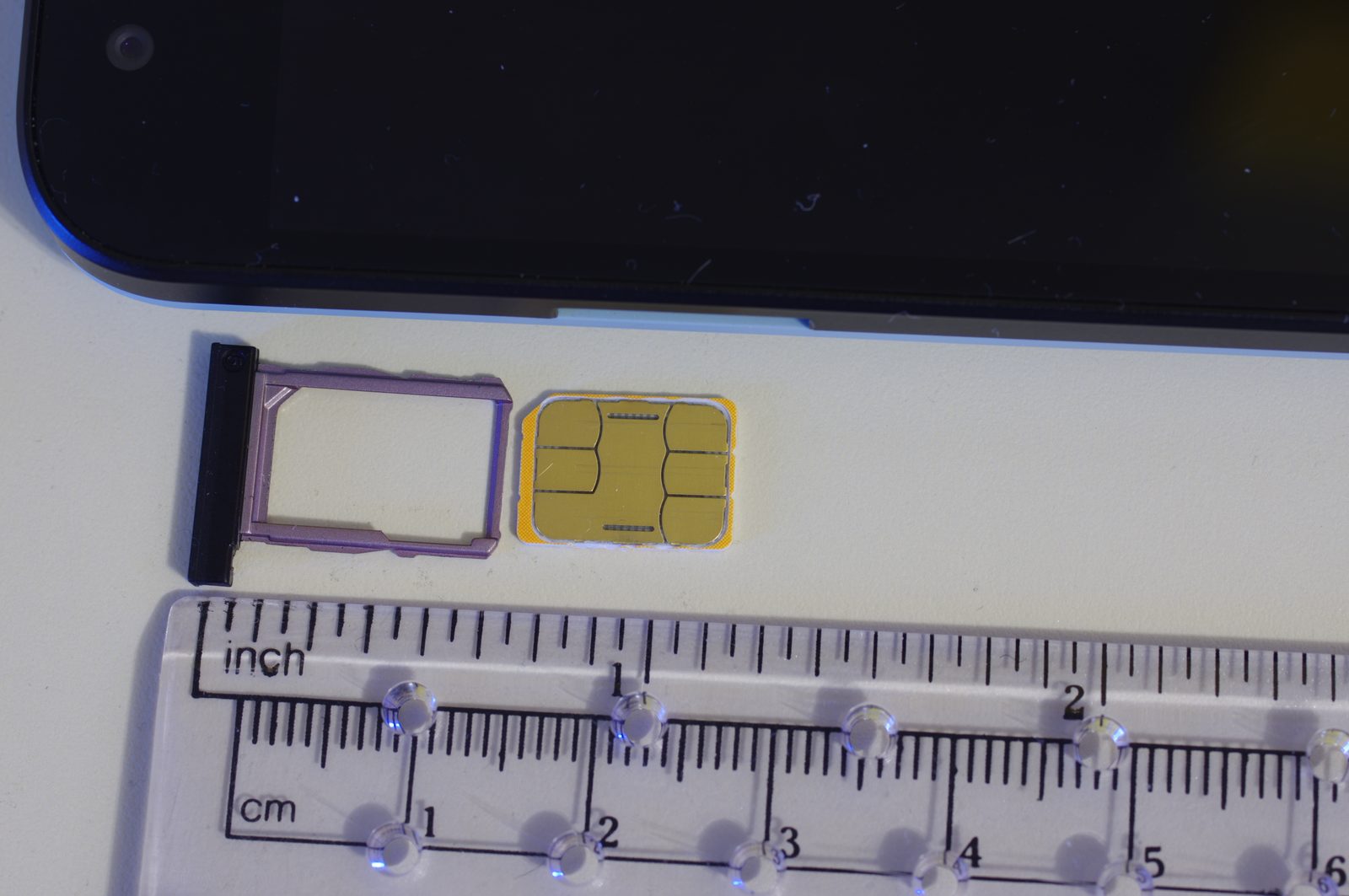
A scammer who already has some of your information calls your cell carrier and pretends to be you. That information often comes from a data breach or a phishing text. They tell the carrier your phone is lost or damaged. Moving your number to a new SIM card gives them control of it.
Once that happens, your phone stops working. Every text message meant for you goes to them instead. That includes the security codes your bank, email, and other accounts send to confirm it's really you.
What they want: your phone number, so they can pass your bank's or email's two-factor security check as if they were you.
The truth: carriers are supposed to verify your identity before moving a number. Scammers get around this with information they already have: your name, address, or the last four of your Social Security number. It's often from a data breach or an earlier phishing message. That's enough to sound convincing to a call center employee.
The signs
- Your phone suddenly shows no service, with no outage in your area.
- You stop getting calls or texts that you were expecting.
- You get an email confirming a SIM change or new device, that you didn't request.
- You're locked out of an account you use often.
Any one of these on its own could be nothing. All of them together, or a lockout right after one, is the pattern.
What to do right away
Call your cell carrier immediately, from another phone since yours may not work. Ask directly whether your number was ported or your SIM was changed. Every major carrier has a fraud department that handles this.
Check your bank and email for unrecognized activity. The scammer may have had your number for only a short window. Even that can be enough time to reset a password.
Change your passwords, starting with email and your bank, from a device you trust.
Before it happens
Set a PIN or passcode on your cell account. Every major carrier lets you add one that's required before anyone (including someone claiming to be you) can make changes. It's one of the most useful steps you can take, and you can set it on your carrier's website or in a store. Many carriers also offer a free lock against SIM changes and number transfers, so ask for that too.
Use an authenticator app instead of text messages for accounts that offer it. Think your bank, email, and anywhere with real money or sensitive information. A code generated on the app itself can't be intercepted by moving your phone number. A text code can.
A SIM swap is quiet by design, nobody calls to warn you. The carrier PIN and lock make it much harder to start. It's worth setting today, not after.
Related: How they got your information in the first place · Phantom hacker

